
Pay for Figma with a virtual card.
Figma is the collaborative design tool. Give Figma a card of its own, with a limit just above the plan, and see every renewal the moment it's charged. To stop paying, freeze the card.
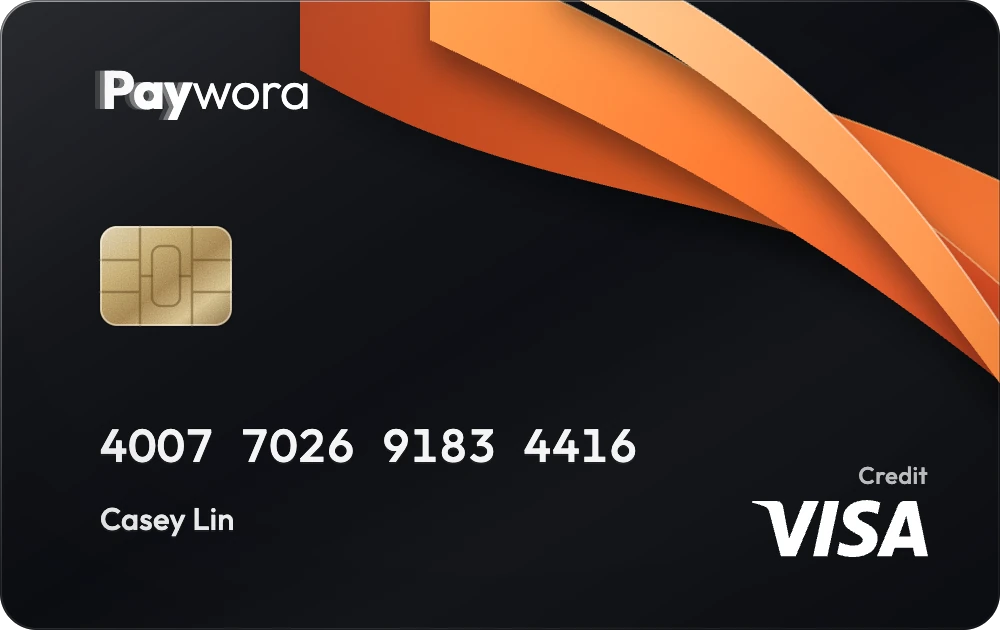
Figma on a Paywora card, in three steps.
- 1
Create a card for Figma
Create a Paywora card just for this subscription, with a limit a little above the plan's price.
- 2
Add it to Figma
In Figma's payment settings, enter the card number, expiry and CVV like any other card.
- 3
Let it renew
Each renewal is charged to that card, and you see it in Paywora as soon as it lands.
Set it up so it never gets declined.
One card per subscription
If you stop using Figma, freeze its card and no renewal gets through, even one you forgot about.
A limit just above the price
A price rise or an upgrade you didn't mean to make gets declined instead of quietly charged.
See every renewal
Charges show up the moment they happen, so a renewal is never a surprise on a statement.
Paying for Figma: questions
Can I pay for Figma with a virtual card?
Yes. Figma takes payment cards, and a Paywora virtual card works like any other card number at checkout. The merchant decides which cards it accepts, so if a payment fails, check the card's limit and status first.
Why was my card declined on Figma?
The most common reasons are a limit below the charge, a frozen card, or a wallet balance that doesn't cover it. Some banks also block foreign online payments; Paywora cards are made for them.
How do I stop paying for Figma?
Cancel the plan in your Figma account. To be certain no further renewal goes through, freeze or close its card in Paywora as well.
Is a virtual card safe for subscriptions?
A card used for one subscription only ever exposes that card. If it leaks, freeze it and create a new one in seconds; your other cards keep working.
Pay for more with Paywora
See every platform


Figma is a trademark of its owner. Paywora is not affiliated with or endorsed by Figma. Each merchant decides which payment cards it accepts.