Advertising
Every ad account on its own card, with a hard limit.
Google Ads · Meta Ads · TikTok Ads
Create a Visa or Mastercard virtual card whenever you need one, give it its own limit, and freeze it the moment something looks wrong. Every charge shows up in real time.
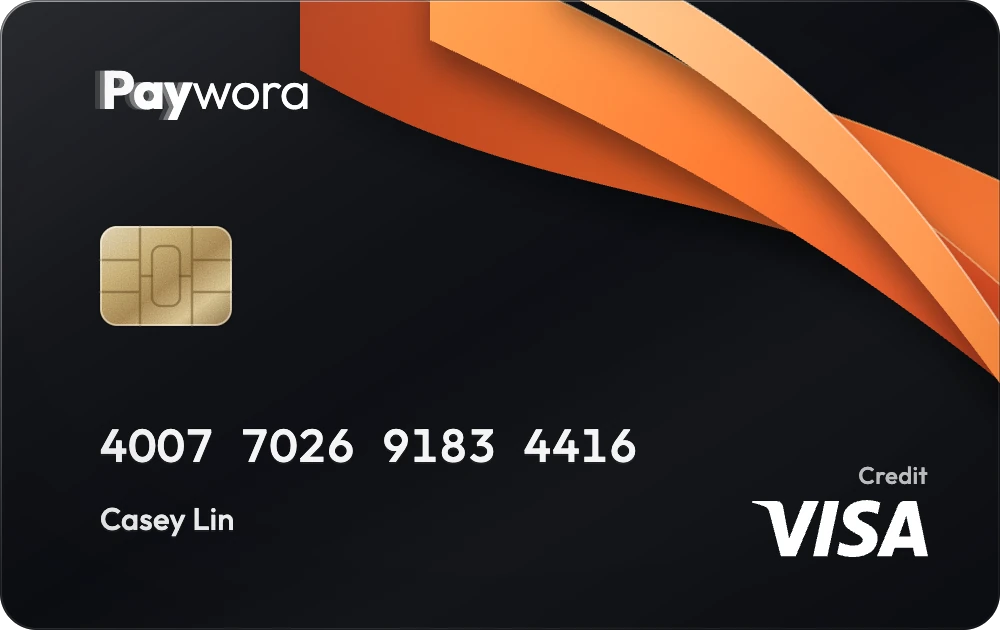
Ads, AI tools, software, cloud bills, subscriptions and travel, each on its own card, all spending from one wallet.
Every ad account on its own card, with a hard limit.
Google Ads · Meta Ads · TikTok Ads
A card for each tool, so cancelling one never touches the rest.
ChatGPT · Claude · Midjourney
The apps your work runs on, each on a card you can freeze.
Shopify · Figma · Notion · Canva
Usage bills on a card with headroom, and an alert before the limit.
AWS · Google Cloud · Vercel · Cloudflare
Every renewal the moment it lands, and a freeze to stop paying.
Netflix · Spotify · YouTube Premium
Stays and trips abroad, paid in the currency the site charges.
Booking.com · Airbnb · Expedia
Names and logos belong to their owners, and Paywora isn't affiliated with them. Each platform sets its own rules for the cards it takes. See the platform guides
Local cards stop at the border. A Paywora card pays in any currency, for the tools, subscriptions and trips you actually use.
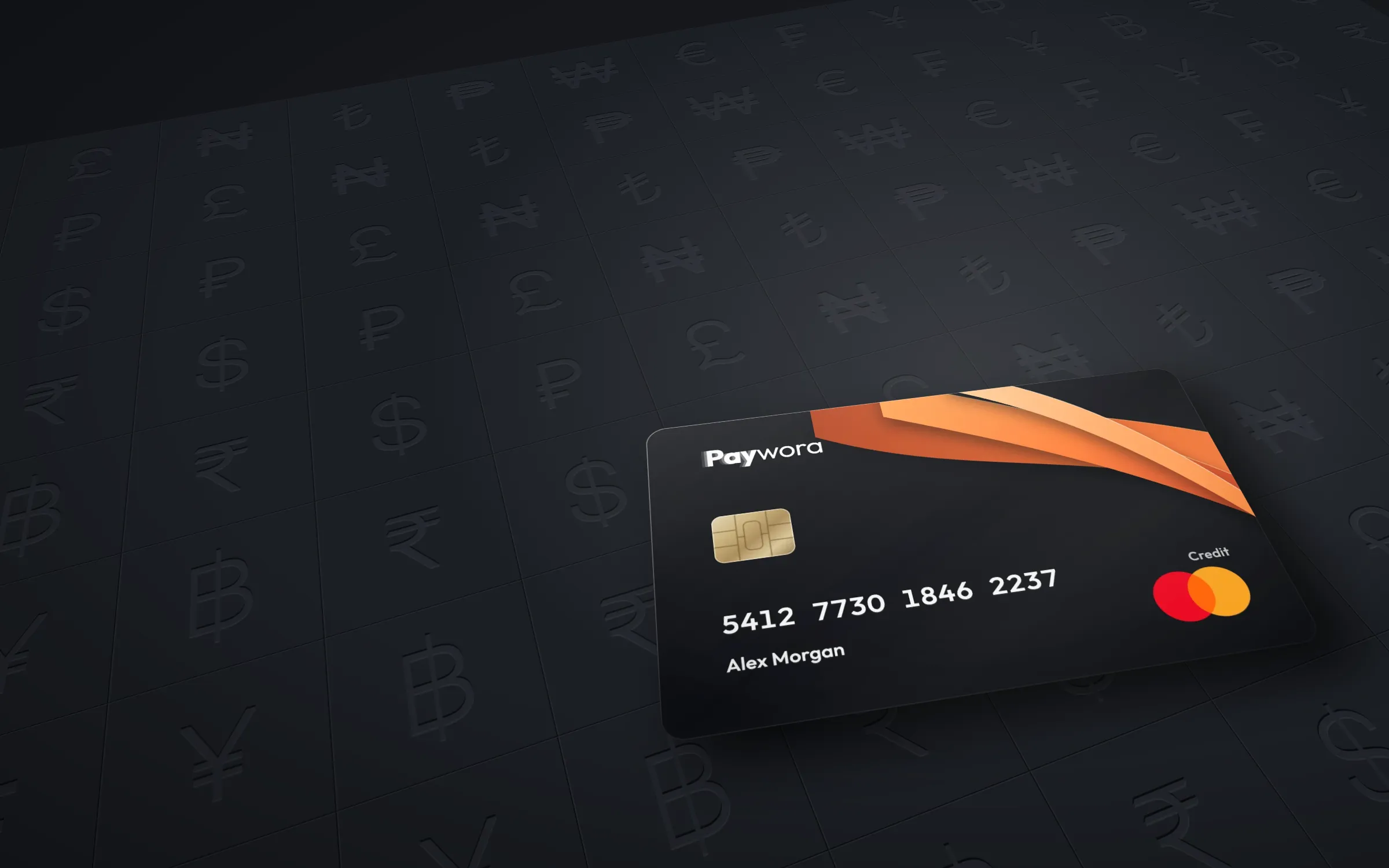
Give every payment its own card, set what it can spend, freeze it in a tap, and watch each charge as it lands.
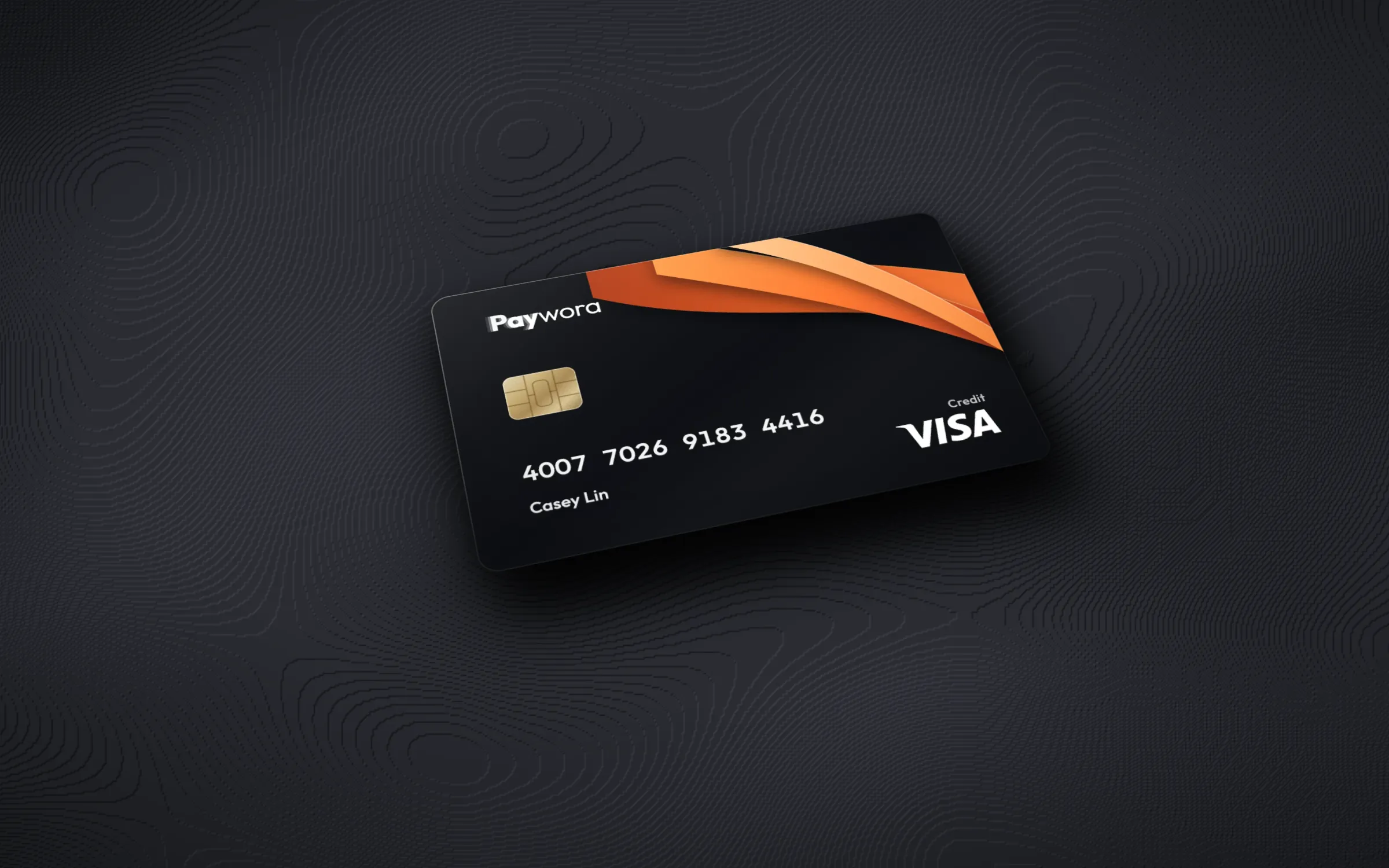
Give each tool its own card, so cancelling one never touches the rest.
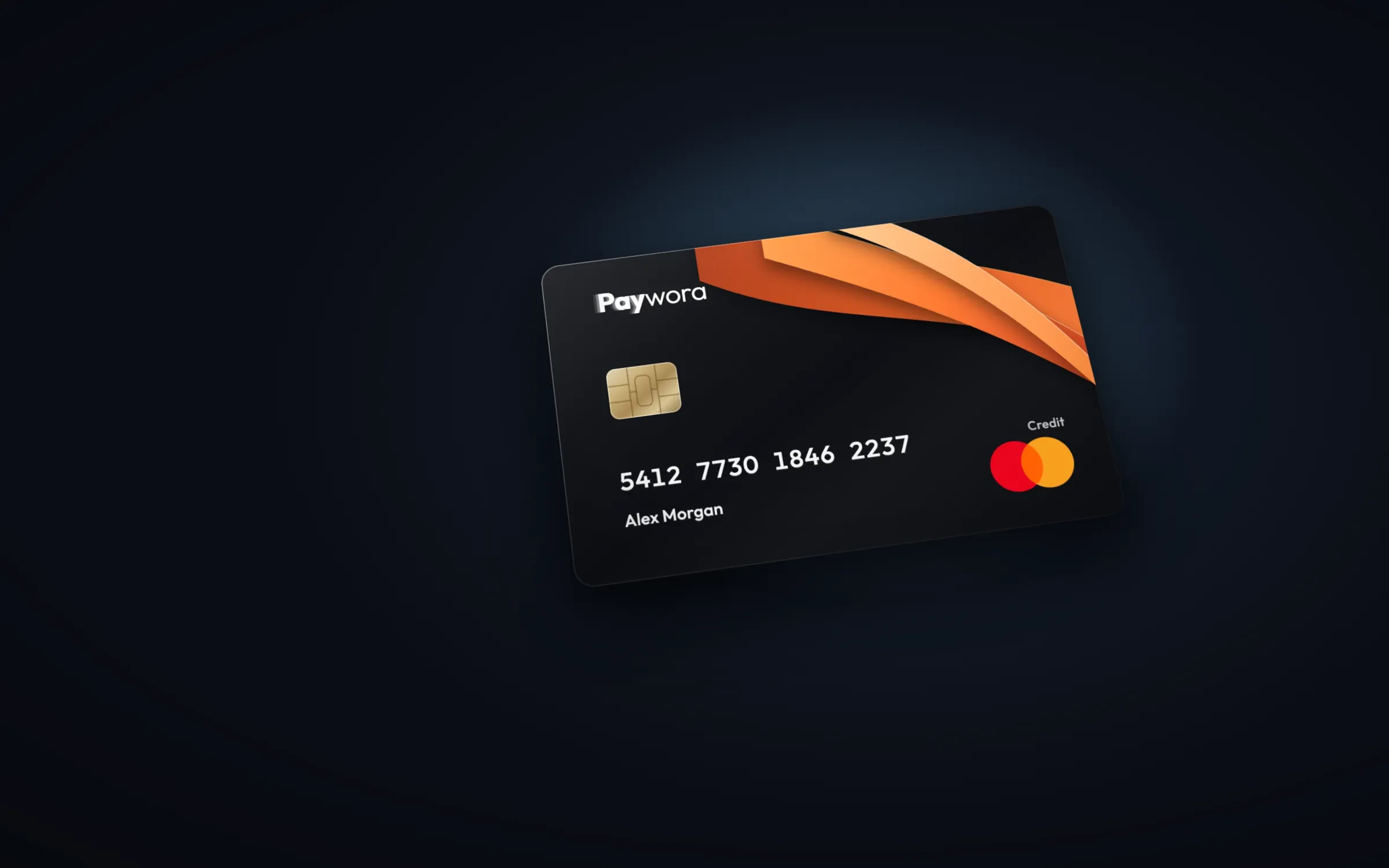
Charges stop the moment you freeze a card.
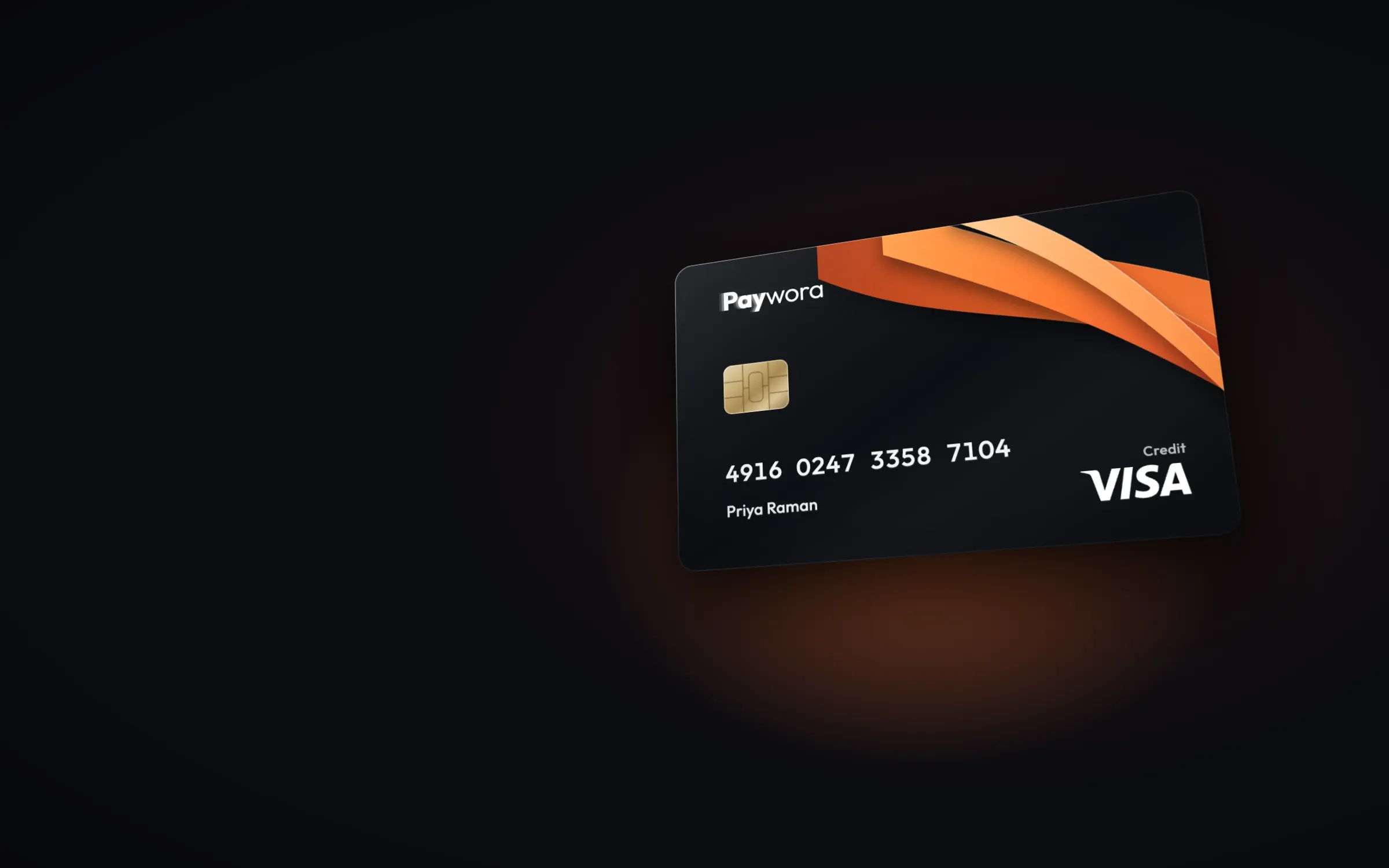
Spend inside the number you set.
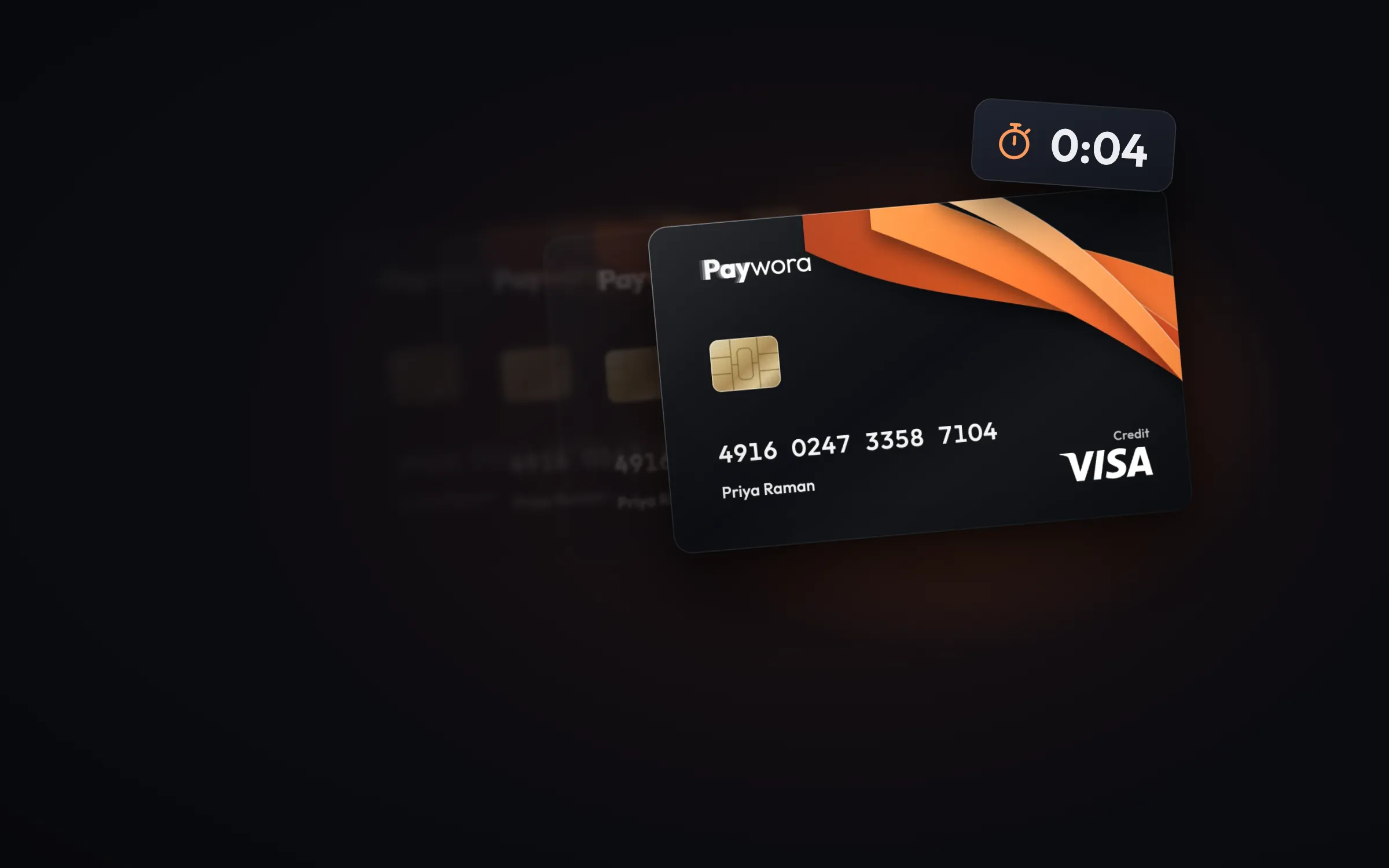
Make a card and pay with it straight away.
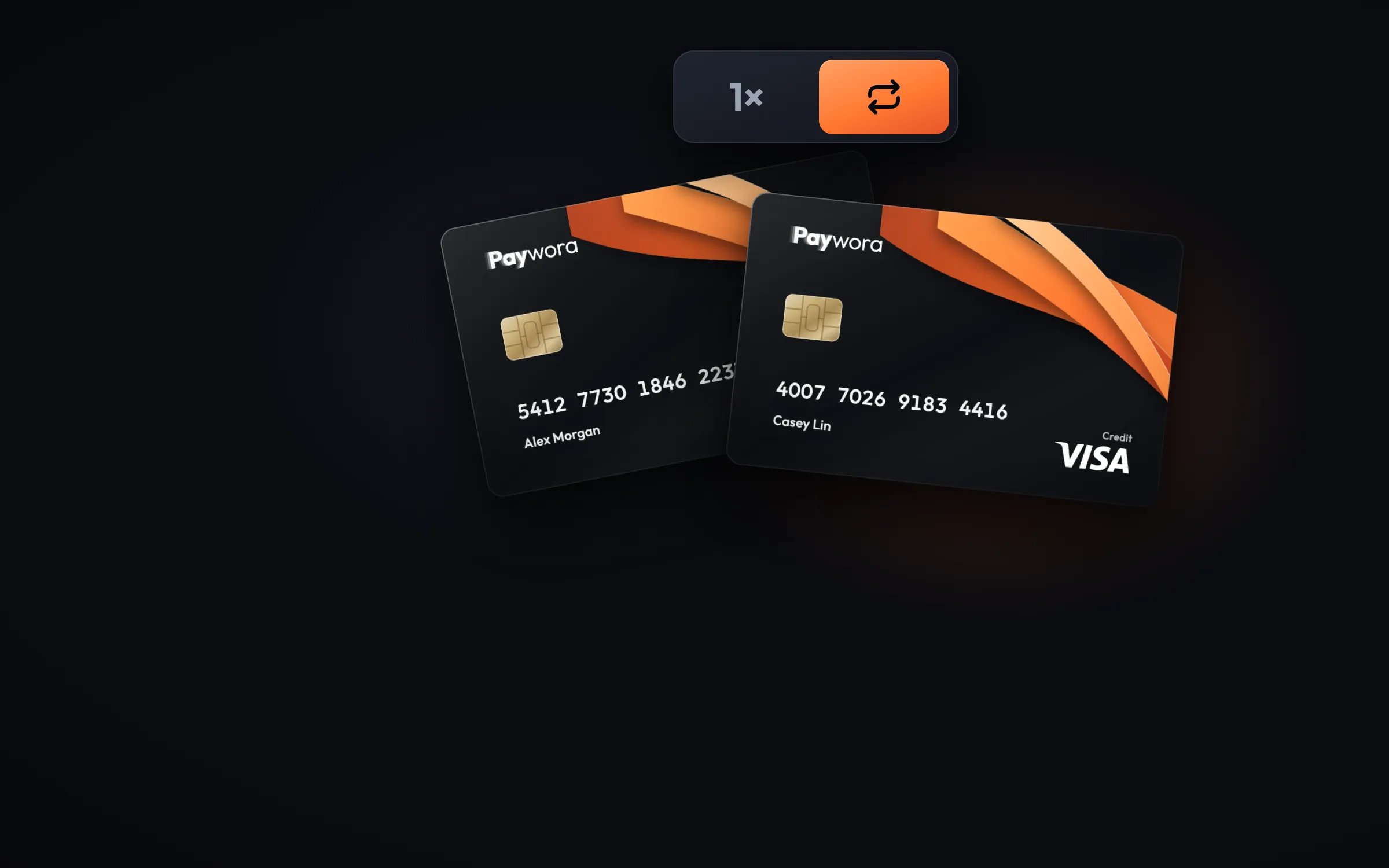
Single-use for a trial or a one-off, reloadable for the bills that come every month.
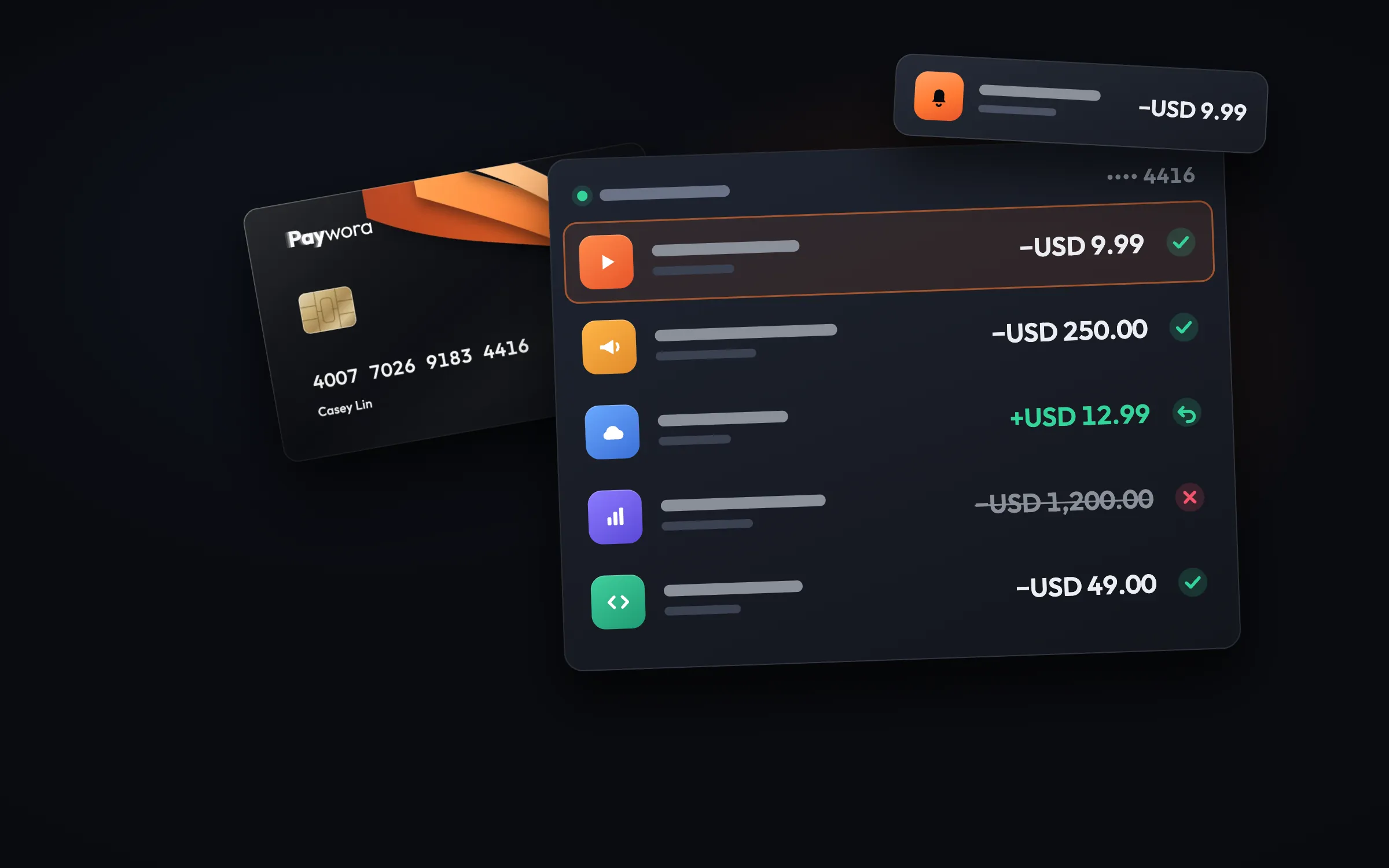
Charges, declines and refunds show up the moment they happen.
Send crypto to the address we give you for each top-up. It lands in your wallet in dollars, and every card spends from it.
4%, 3% or 2% by plan. Network fees go to the network, not to us. See pricing
A top-up shows as pending until the network confirms it, then lands in your wallet in dollars.
Send only the coin and network you picked. Coins sent on another network may be lost.
Sign up and verify your email. It takes about a minute.
Add money by card, bank transfer or crypto (USDT or USDC). Every card spends from the same balance.
Pick single-use or reloadable, set its limit and pay with it straight away.


