
Pay for Google Ads with a virtual card.
Google Ads is Google's advertising platform. Give your Google Ads account a card of its own, with a hard limit your campaigns can't go past, and see every charge the moment Google Ads bills it.
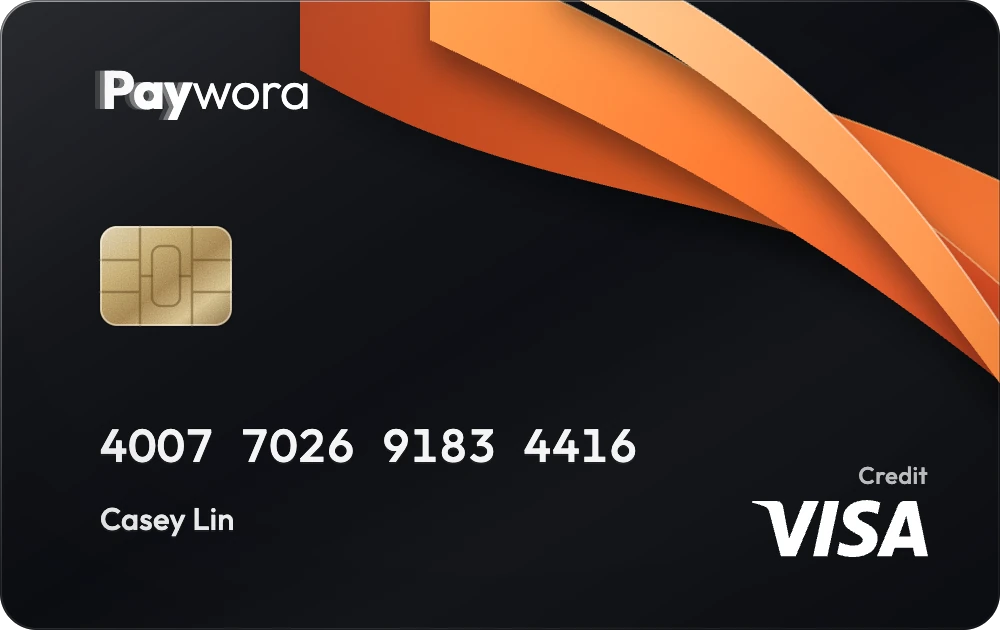
Google Ads on a Paywora card, in three steps.
- 1
Create a card for your ads
Create a Paywora card for Google Ads with a monthly limit that covers your ad budget, plus a margin.
- 2
Add it as your payment method
In Google Ads's billing settings, add the card number, expiry and CVV like any other card.
- 3
Run your campaigns
Google Ads charges the card as your ads spend, and each charge shows up in Paywora straight away.
Set it up so it never gets declined.
Leave headroom
Ad platforms can bill on a threshold or on a schedule, so set the limit a little above the spend you plan.
One card per ad account
Separate cards keep each brand or client apart, and a runaway campaign stops at its own limit.
Top up before a launch
Charges draw from your wallet, so make sure it covers the week's budget before a big push.
Paying for Google Ads: questions
Can I pay for Google Ads with a virtual card?
Yes. Google Ads takes payment cards, and a Paywora virtual card works like any other card number in its billing settings. The merchant decides which cards it accepts, so if a payment fails, check the card's limit and status first.
Why did Google Ads decline my card?
Usually the card's limit is below the amount Google Ads tried to bill, or the wallet balance is short. Raise the limit or top up, then retry the payment from Google Ads's billing page.
How do I control how much Google Ads can charge?
The card's limit is a hard ceiling. However a campaign behaves, any charge above the limit is declined, so it can never cost more than you allowed.
Can I use a different card for each ad account?
Yes. Create as many cards as you need and give each ad account its own, each with its own limit and its own history.
Pay for more with Paywora
See every platform


Google Ads is a trademark of its owner. Paywora is not affiliated with or endorsed by Google Ads. Each merchant decides which payment cards it accepts.